Cloudflare Hosted
$0.10 / GB stored · month
Managed cloud storage on Cloudflare. Instant links, no infrastructure, prepaid from $0.99 — and no monthly subscription. You only pay for what you keep.
Recommended default
Snap Shoot Share snaps screenshots and screen recordings, then copies a ready-to-paste link to your clipboard the instant you capture. Host it your way — managed cloud, fully local, or your own server.
On the Mac App Store · macOS 26+
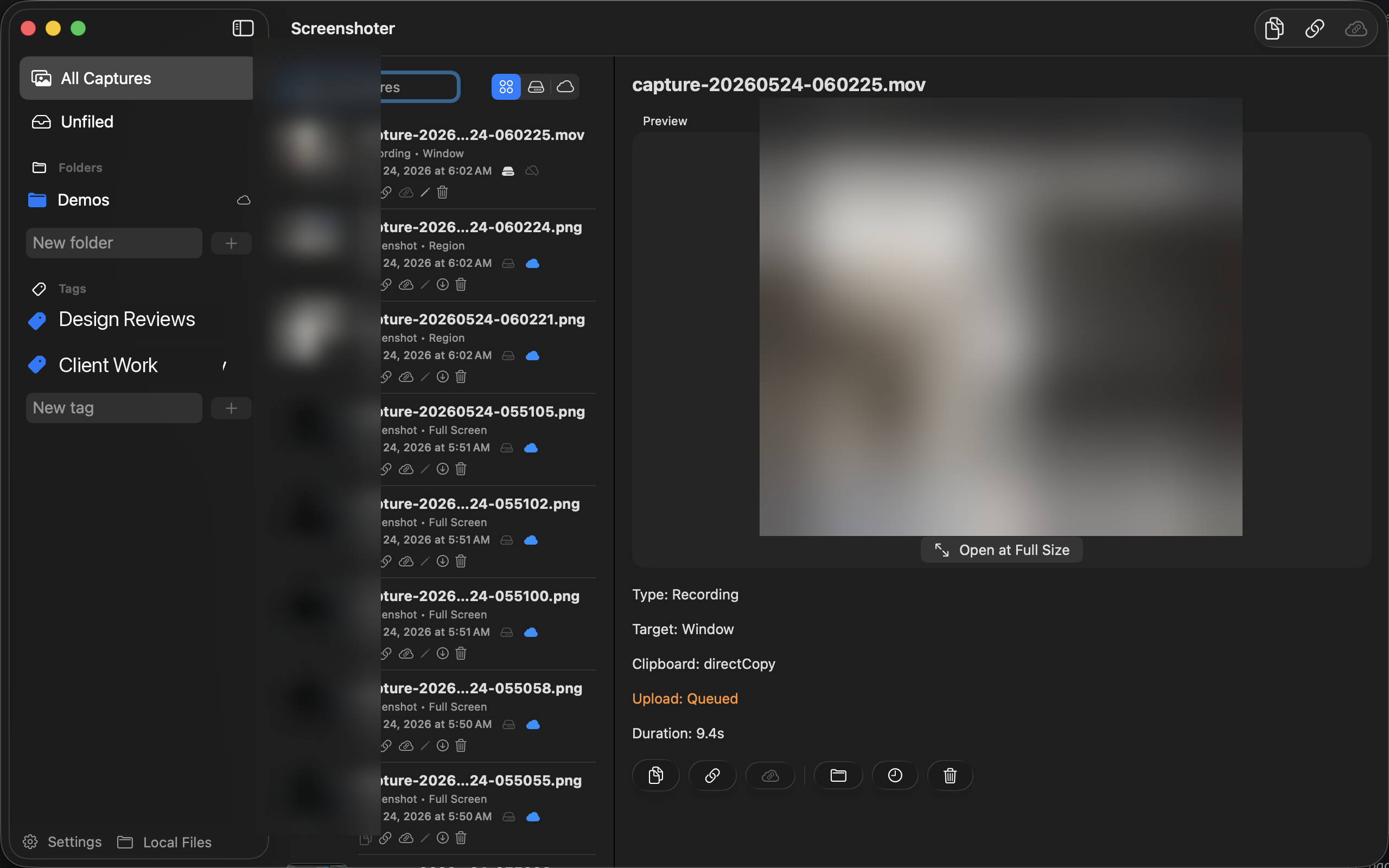
Everything a capture needs — in one menu-bar app.
Press your shortcut, drag a region — and Snap Shoot Share uploads, generates a shareable URL, and copies it for you. No drag-and-drop into a chat, no "let me find that file." Just paste.
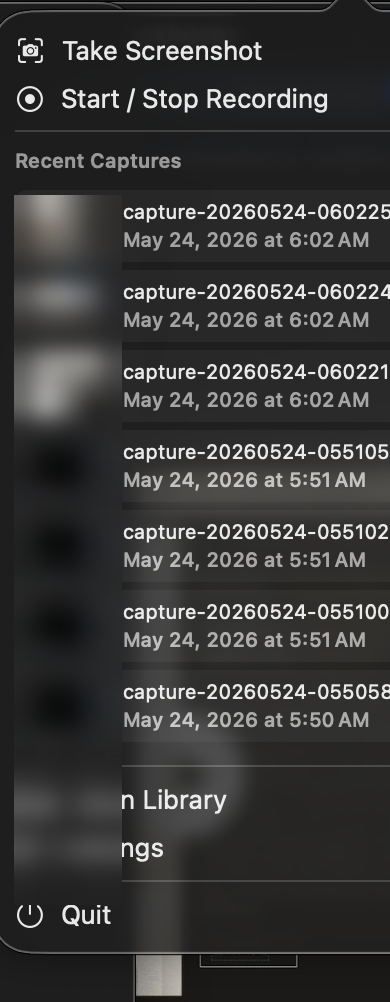
Pick the model that fits how you work — and switch anytime. No lock-in, no surprise subscription.
$0.10 / GB stored · month
Managed cloud storage on Cloudflare. Instant links, no infrastructure, prepaid from $0.99 — and no monthly subscription. You only pay for what you keep.
Recommended defaultFree forever
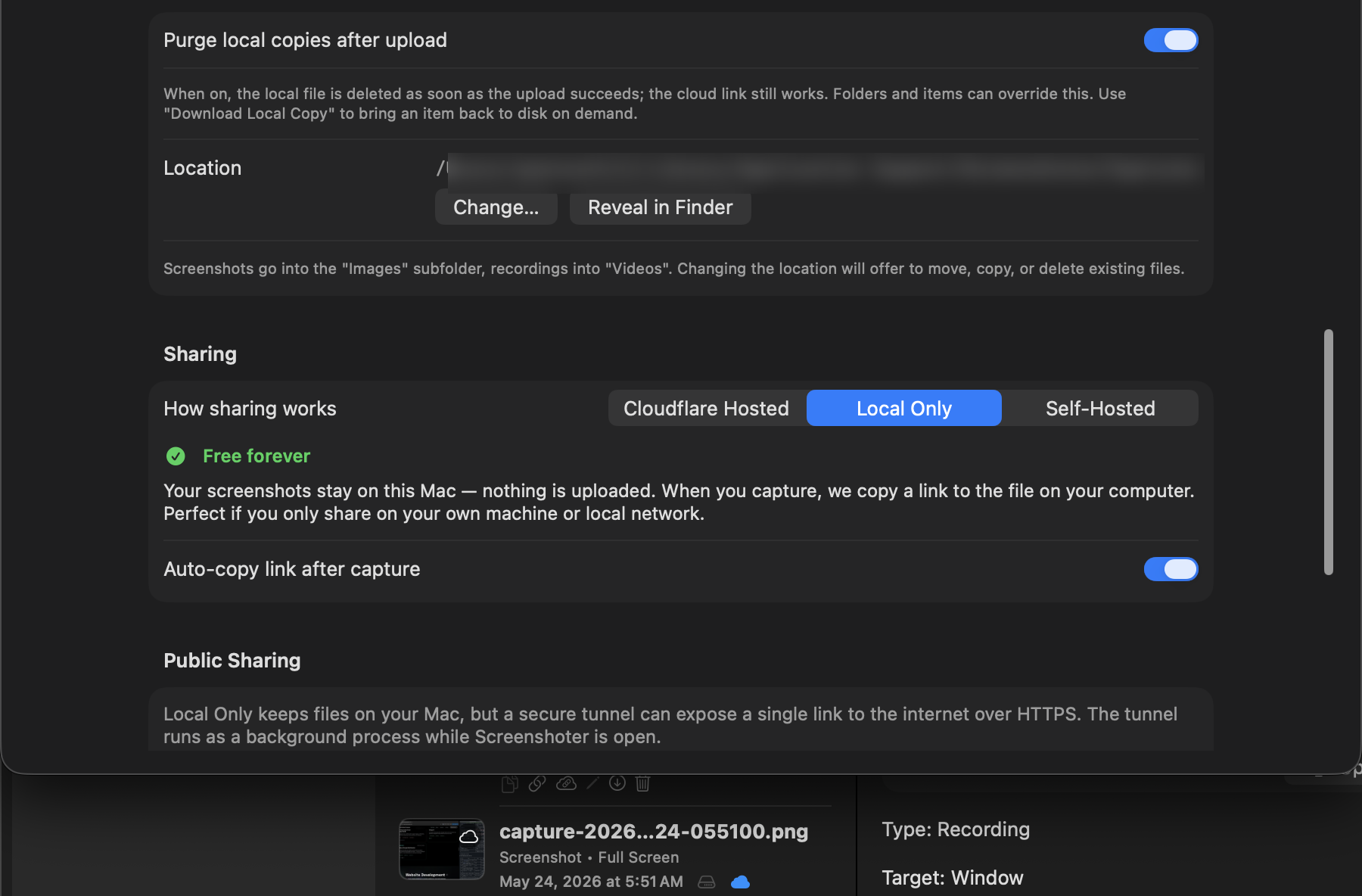
Everything stays on your Mac — nothing is uploaded. Sharing copies a link to the file on your machine, perfect for your own network. Add a secure tunnel for public links.
Zero cloud · full privacyBring your own
For developers: run your own Cloudflare Worker — or any compatible endpoint — and point the app at it. A documented HTTP contract keeps you in control of every byte.
Own your endpoint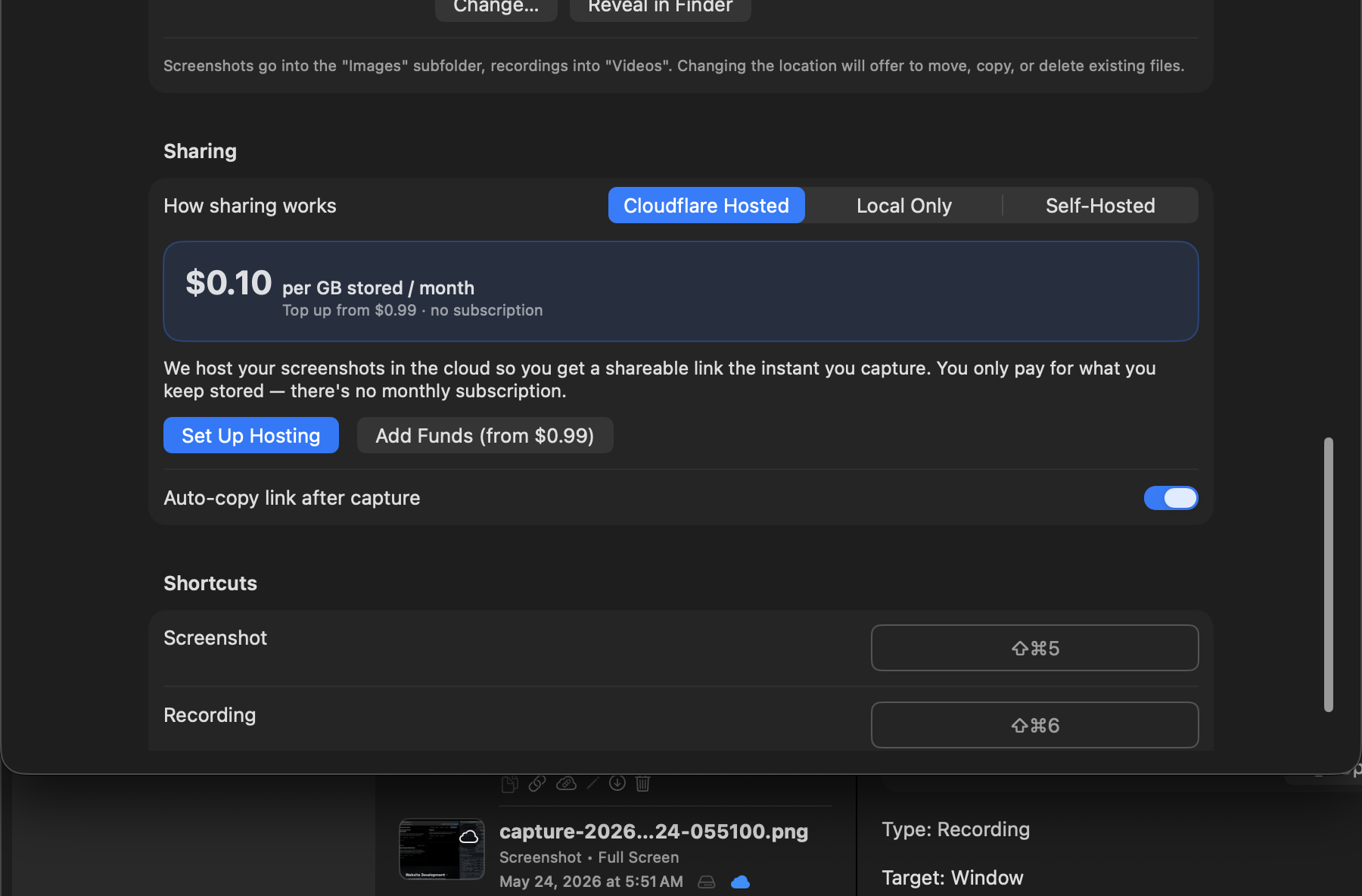
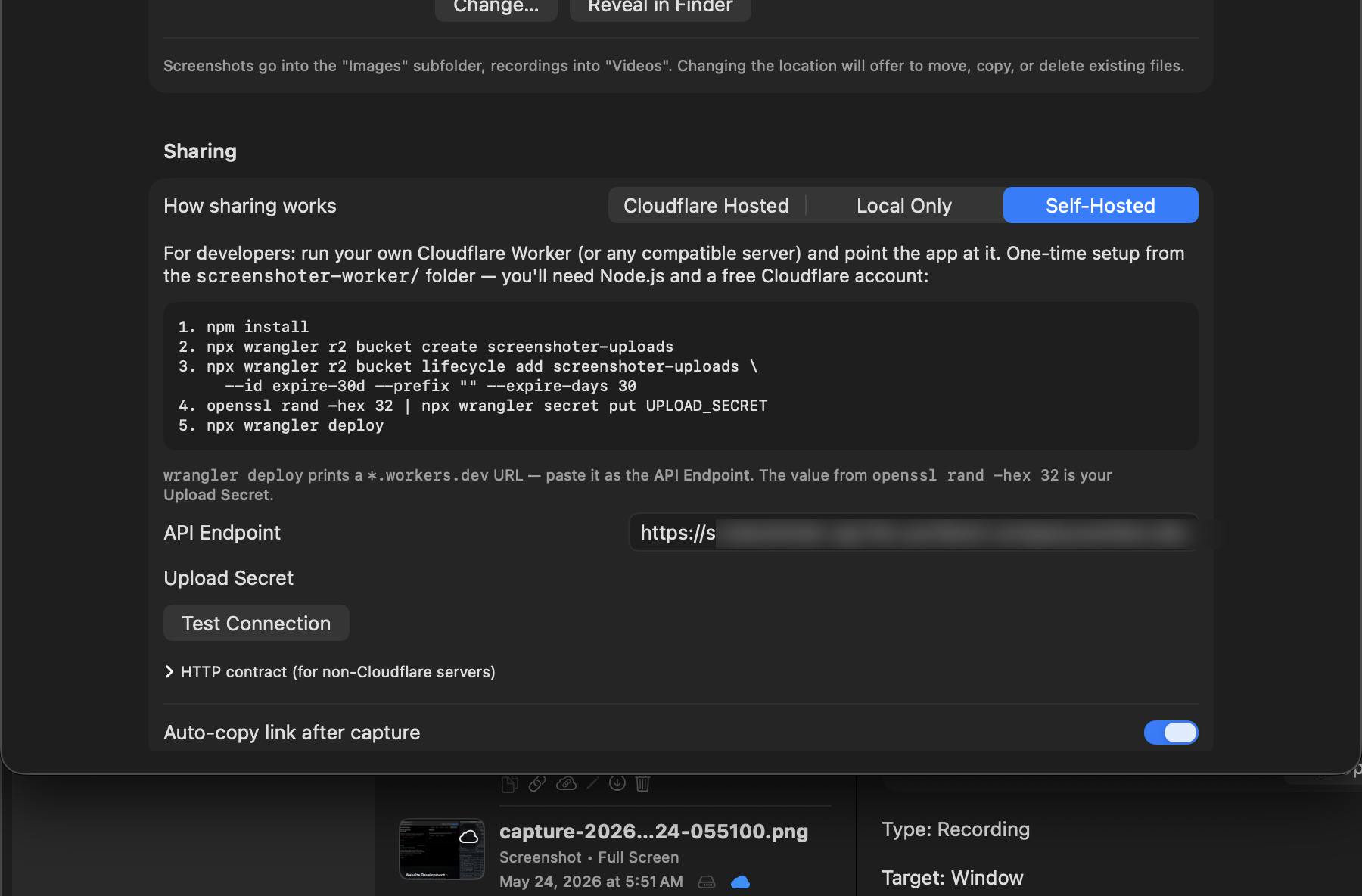
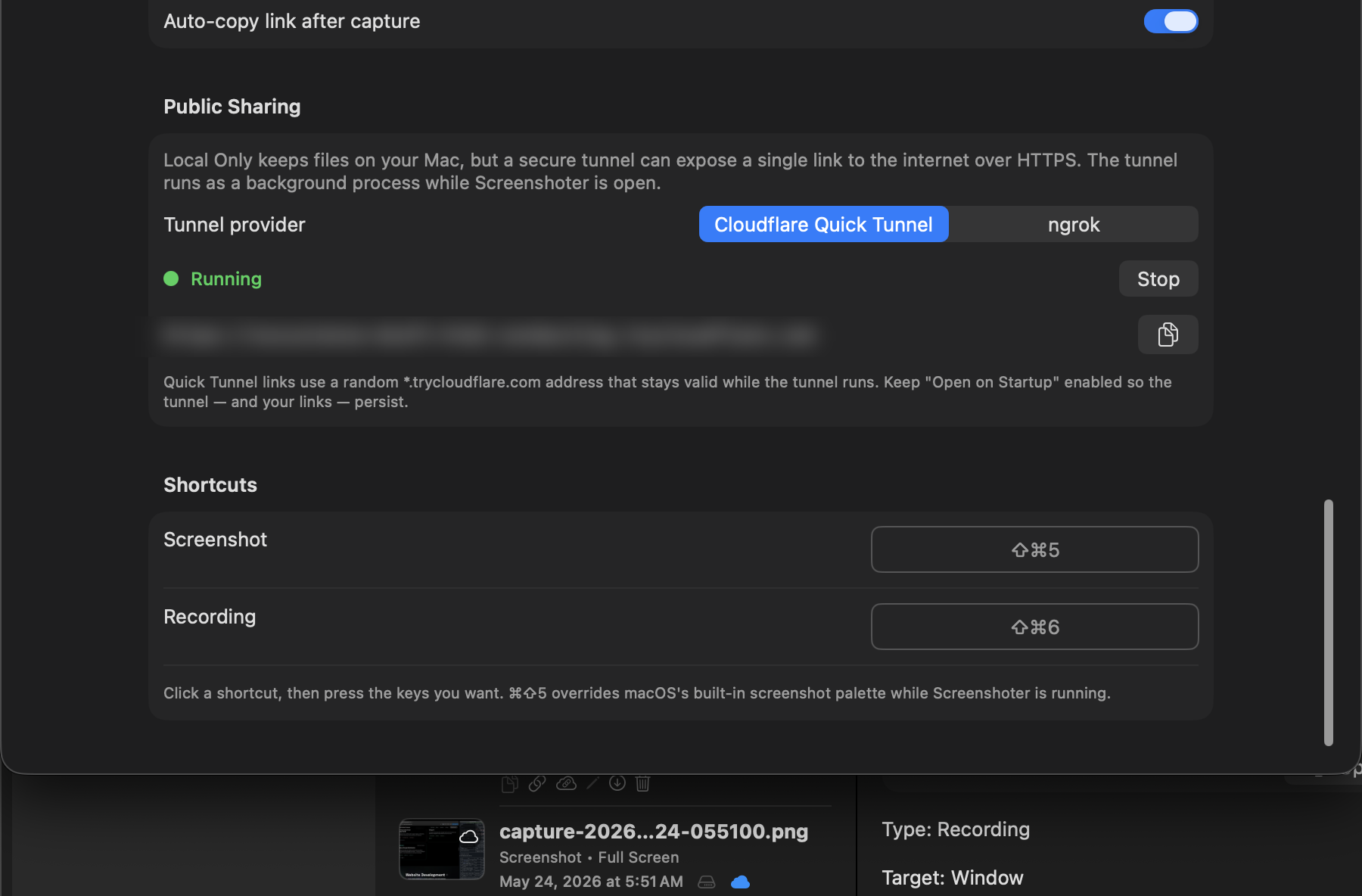
Choose Local Only and your files never leave your Mac — until you want them to. A built-in tunnel (Cloudflare Quick Tunnel or ngrok) exposes a single, encrypted link anyone can open. It runs quietly in the background while Snap Shoot Share is open.
Give photos and videos their own expiration windows. Let cloud links keep working while local copies are purged from your Mac, then pull any item back on demand. Defaults apply everywhere; folders and individual captures can override them.
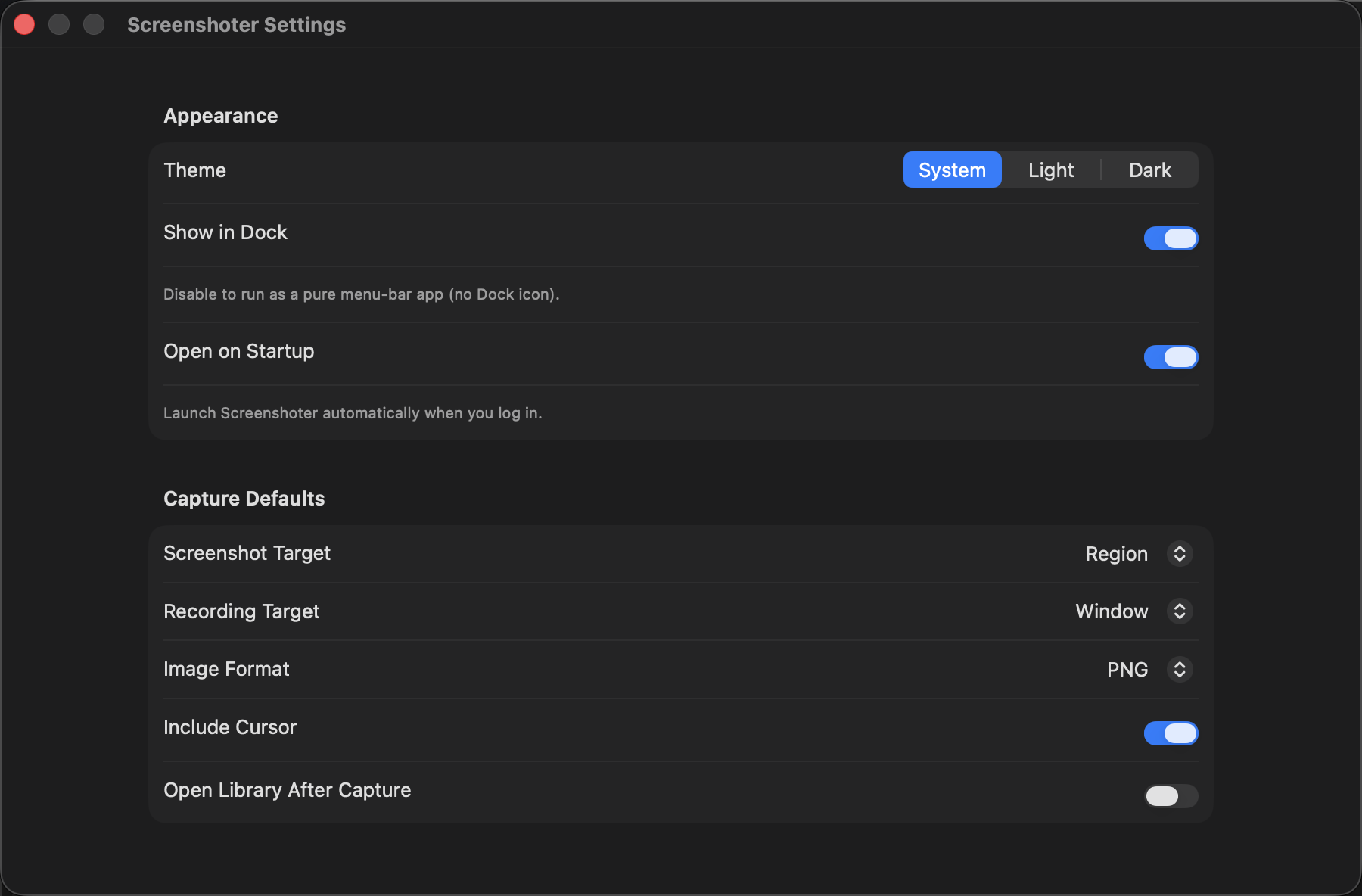
A native menu-bar app that overrides ⌘⇧5, respects your system theme, and stays out of the way until you need it.
Choose your format and quality.
Record windows or the full screen.
Organize a growing library fast.
Prepay only for cloud storage you actually keep — or stay free forever, locally.
Capture, link, and share at the speed of a keystroke. Download it from the Mac App Store and start sharing in seconds.
Mac App Store · macOS 26+